


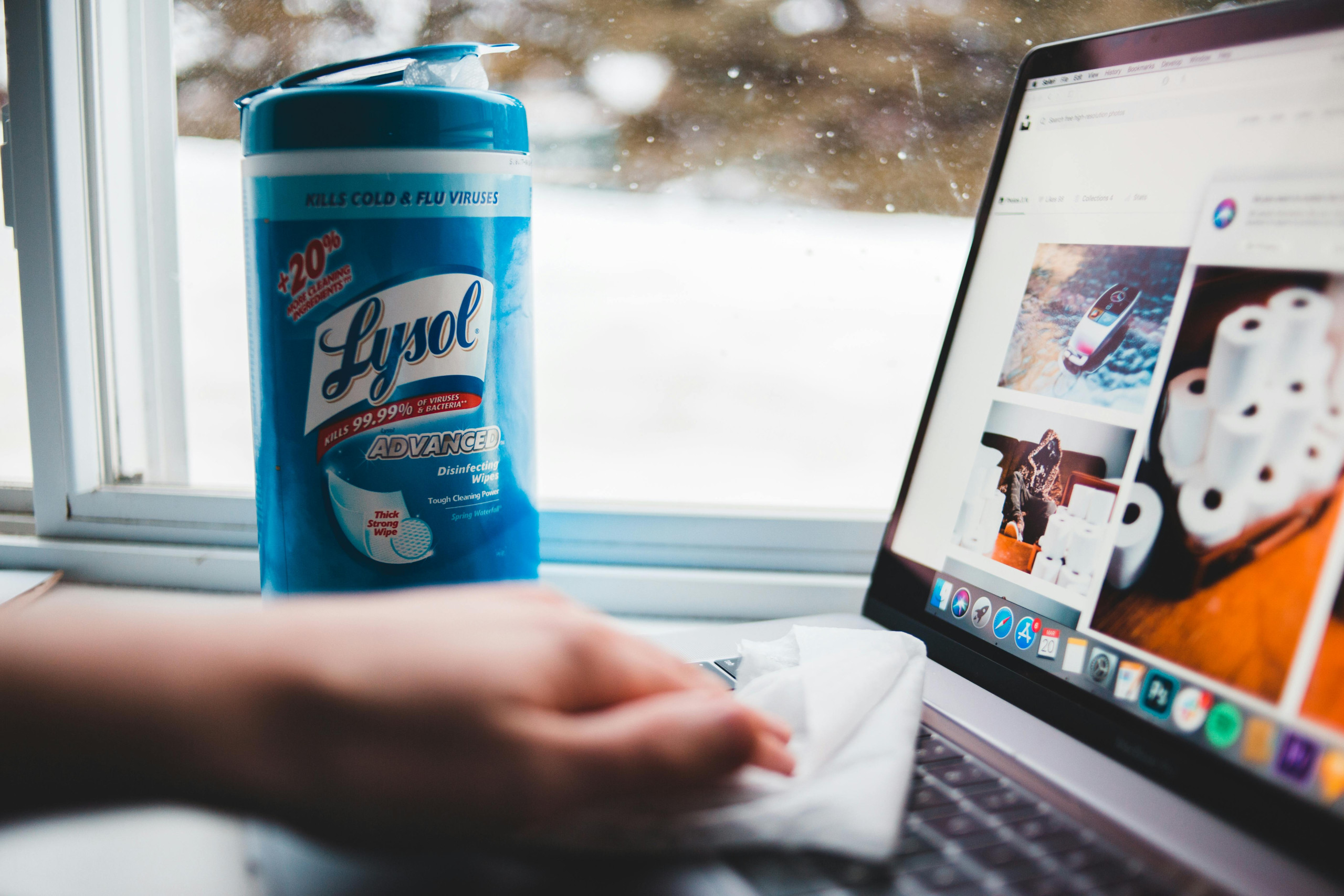
We use phones, laptops, and headphones every day. But do we clean them often? Probably not.
Logitech, a company that makes keyboards and webcams, says dirty gadgets don’t just look bad. They can stop working well and even make you sick. “Cleaning your gadgets keeps them clean, helps them last longer, and keeps you healthy,” the company says.
So, how can you clean your devices properly?
Let’s find out.
What You Need Before You Start Cleaning
First, check if your device brand has any cleaning tips.
Now, collect these things:
- A soft cloth (like a microfiber cloth)
- Cotton swabs
- A soft brush (like a toothbrush or makeup brush)
- Compressed air spray
- Isopropyl alcohol (90% or more)
Isopropyl alcohol is good for cleaning because it dries fast and leaves no marks. But don’t pour it straight on your device. Put it on a cloth first. Also, wear gloves if you have sensitive skin.
“The faster the liquid dries, the safer it is for electronic parts.”
Alex Diaz-Kokaisl
Now, let’s start cleaning!
Cleaning Keyboards and Laptops

Keyboards get dirty fast. Crumbs and dust fall between the keys.
Step 1: Turn off the device and unplug it.
Step 2: Use a can of compressed air to blow out dirt from between the keys. Hold the keyboard upside down so the dirt falls out. If you don’t have compressed air, you can use a hair dryer on a cold setting. Some people even use a balloon pump.
Step 3: Wipe the keys and mouse with a damp cloth.
You can also use isopropyl alcohol, but try it on a small spot first. Logitech warns it might fade the letters if used too much.
You can also use baby wipes, but they should not be too wet. Diaz-Kokaisl says, “Baby wipes dry fast and don’t soak into cracks.”
For screens, never use glass cleaners or paper towels. They can scratch the screen.
Instead:
- Wipe the screen gently with a dry microfiber cloth.
- For stubborn spots, use a cloth dampened with distilled water or a mix of distilled water and vinegar.
Vinegar helps clean oily fingerprints. But don’t use cleaners with ammonia.
Lenovo
Cleaning Earphones and AirPods

Earphones collect earwax and oil. This can cause infections if you don’t clean them.
If your earphones have silicone tips, take them off and clean them with soapy water. But Sony says don’t use water on their earbuds. Instead, wipe them with a dry cloth.
Use a cotton swab to clean the small holes (nozzles) of the earphones.
For Apple AirPods:
- Get a toothbrush, micellar water, distilled water, paper towels, and two small cups.
- Dip the toothbrush in micellar water and gently brush the mesh.
- Dry it with a paper towel.
- Repeat this with distilled water to clean off any leftover micellar water.
- Let them dry for 2 hours.
Clean the AirPod case too. Use a brush to remove dirt, then wipe it with a cloth dampened with isopropyl alcohol.
For over-the-ear headphones, clean them once a week, especially after workouts. Take off the ear pads and clean them with soapy water.
Cleaning Your Smartphone Safely

Phones get dirty very quickly because we touch them all day.
Apple and Samsung give these cleaning tips:
- Wipe the phone with a soft cloth.
- Don’t use strong cleaners that can damage the surface.
- You can use rubbing alcohol to clean the outside, but don’t use bleach or hydrogen peroxide.
Be gentle when wiping your phone. Don’t scrub hard, as it can remove the protective coating.
Why Cleaning Your Devices Is Important
Cleaning gadgets is not just about looks. It helps in many ways:
- Better Performance: Dust can slow down your device.
- Stay Healthy: Dirty earphones and screens can spread germs.
- Longer Life: Clean devices last longer because dirt can damage their parts.
It doesn’t take much time to clean your gadgets, but it makes a big difference. Next time you see smudges on your screen or crumbs on your keyboard, take a few minutes to clean them.
